Installing AskiaFace for tablet or mobile
Installing AskiaFace on iOS:
Minimum requirements
| OS | iOS 9+ (for iOS 9 > end of Apple support in May 2019, recommended iOS 10.3+) |
| Device | Apple iPad 2 + / Apple iPhone 4+ |
| Network | WIFI, GPRS / Edge, 3G, LTE/4G |
| Display | Retina / non-Retina (normal, Mini & Air) |
Installation
- Locate AskiaFace in the iTunes App Store and press / hit / punch or slap (depending on if you like your iDevice or not) the
Freebutton.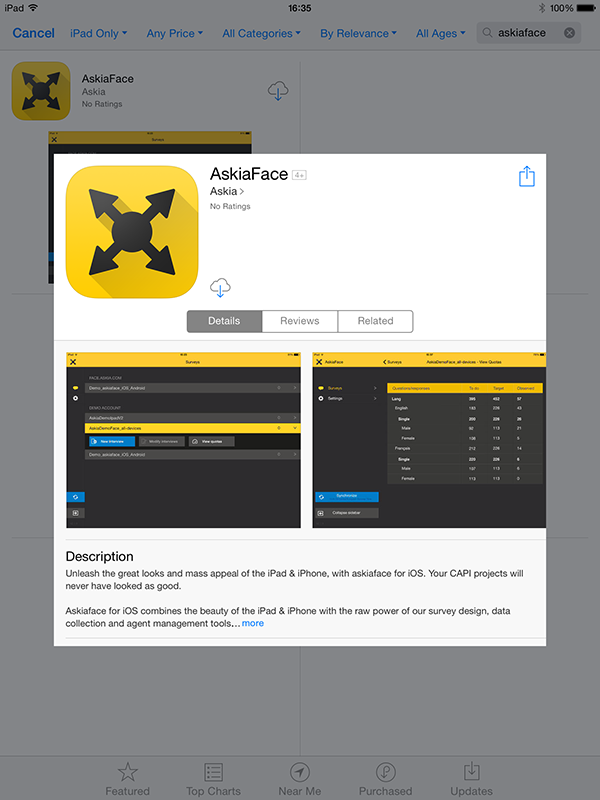
-
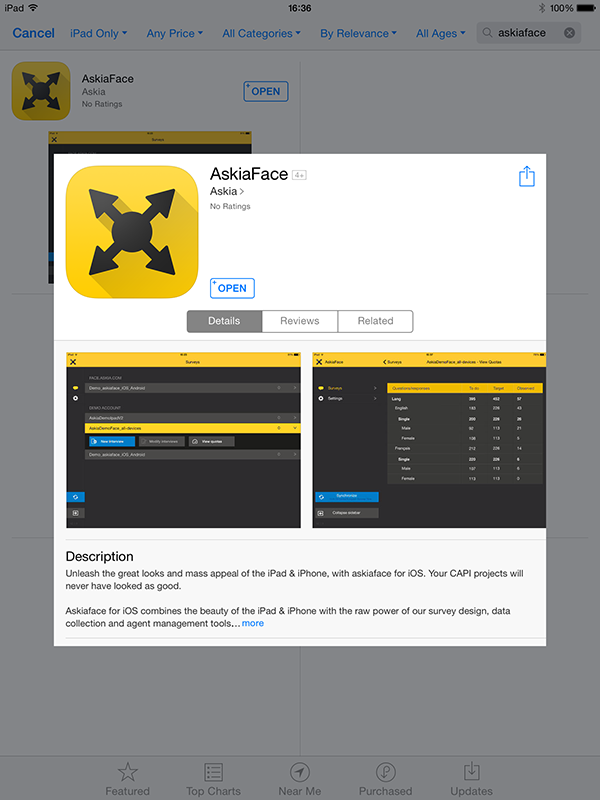
Do the same to the
Install Appbutton.You're done!
Installing AskiaFace on an Android device
Minimum requirements:
| OS | Android 6+ |
| Device | See list of compliant devices |
| Network | WIFI, GPRS / Edge, 3G, LTE/4G |
| Display | mDPI, hDPI & xhDPI |
| Misc. | Avoid installing the app with external storage as it may cause stability issues. |
Installation
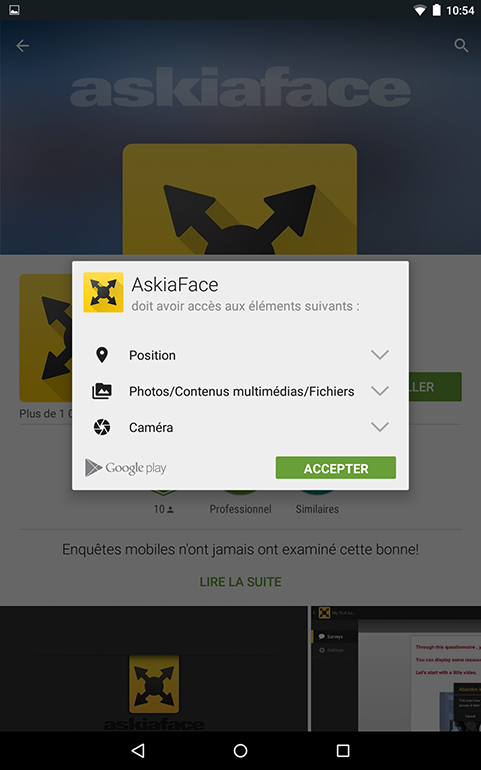
- Locate AskiaFace in the Play Store app (you can search for askiaface, askia, or any other relevant term) or directly on the web. Once you've selected askiaface, press the
Installbutton.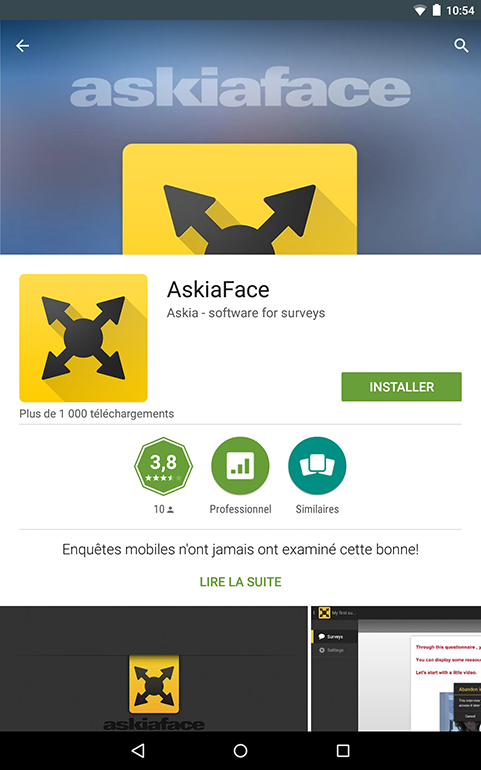
-
In order for the download / installation process to successfully complete, you must press the
Accept & downloadbutton.
Note: we advise you to also activate theAllow automatic updatesoption in order for AskiaFace to update automatically by itself.You can now start the application and connect to your AskiaField server.