File Uploader
Pre-requisites
FTP and the Askia File Uploader Service (https://support.askia.com/hc/en-us/articles/115005938229-File-Uploader-ADC-Service) need to be installed on your server before you can use this ADC. Please check with your systems administrator.
- To download the QEX file, click here.
- Version of the ADC: 1.0.1.
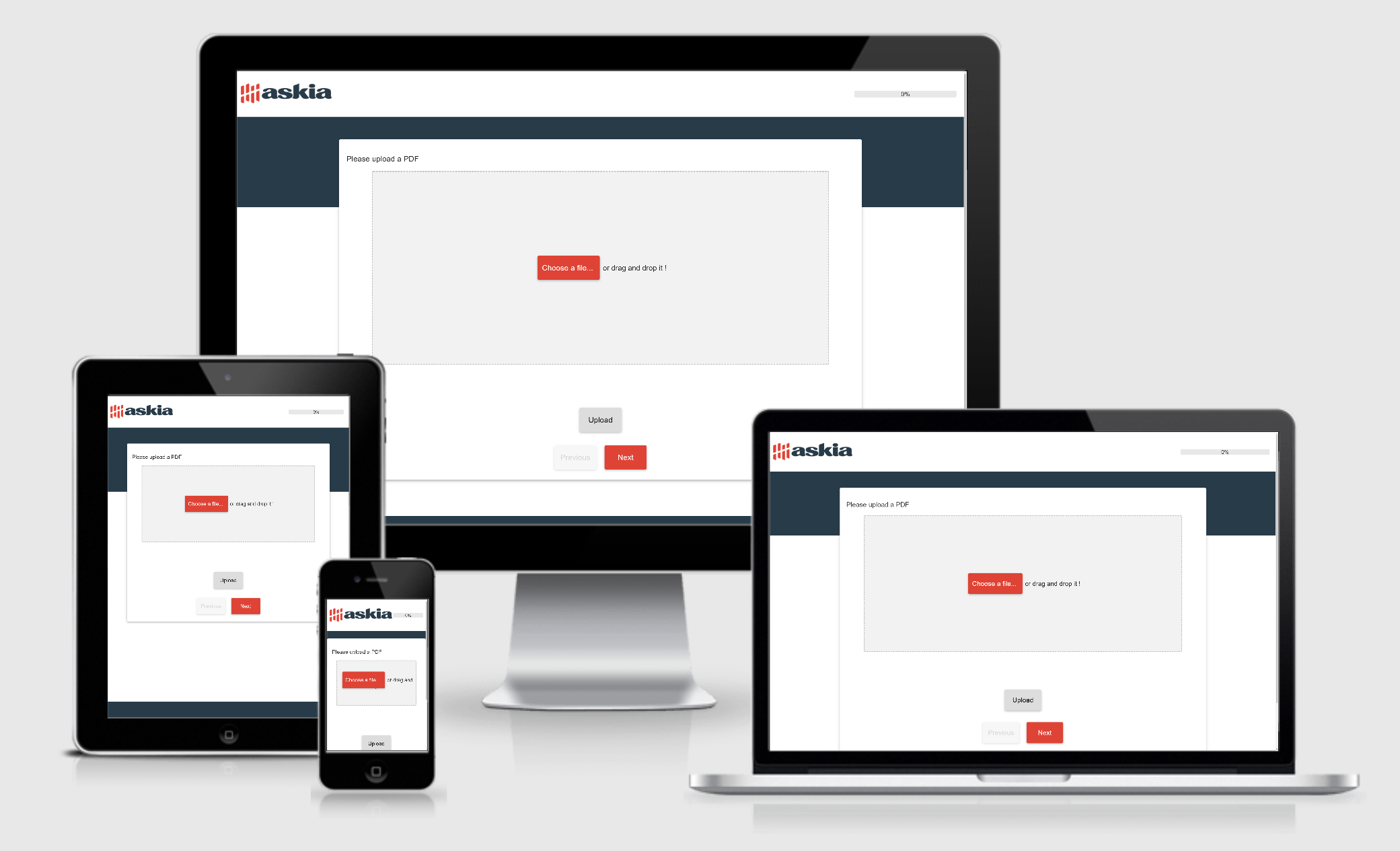
This ADC allows you to upload files in a Survey using the File Uploader Service. The file formats allowed can be controlled via the config file in the File Uploader Service. See: SupportedFileTypes in Credentials - https://support.askia.com/hc/en-us/articles/115005938229-File-Uploader-ADC-Service
| PROPERTY | DESCRIPTION | OPTIONS/ POSSIBLE VALUES |
| Askia Upload Service | ||
|---|---|---|
| URL | URL of the upload service to be used. | URL - http(s)://[SERVERNAME]/FileUploader/FileSwitcherService.svc |
| API Key | API Key from the Credential you will be using to upload the files | string |
| Secret Key | Secret Key that matches your API Key in your chosen Credential | string |
| Upload Button Text | Text you would like to use for the Upload button | string - Default: "Upload" |
| Project Name | Name of your Survey - this will be used in the naming of the files that are uploaded to your server. | string |
| Maximum file size (KB) | Maximum file size that you'd like to allow upload of in KB | number |
| Type of capture | Type of capture to narrow down the type of file that can be uploaded - separate to the SupportedFileTypes property in the config file. | none/photo/video |
| Error Messages | ||
| File Size Exceed Error | Error message to show when file size exceeded | string |
| Invalid API or Secret key Error | Error message to show when an invalid API Key or Secret Key is used | string |
| Error occurred at file upload | Error to show when file fails to upload | string |
| Please select a file | Error when no file selected | string |
| Error while generating token | Error when renaming file at FTP stage | string |
| Success Message | ||
| Success message color | Colour of success message | any RGB colour |
| Success message | Message to show when file uploaded successfully | string |
| Style | ||
| Width | Width of the control | percentage |
| Alignment | Alignment of the control | left/right/center |
| Select button text | Text to show on the Select button | string |
| Drag and drop text | Text to show on the drag and drop area | string |
| Padding top bottom drag drop | Padding for the drag and drop area | percentage |
| Disable upload button | Option to disable to Upload button once a file is uploaded | Yes/No |
| Allow upload on file change | Option to allow respondent to re-upload a different file | Yes/No |
| Drag Drop background color | Colour of the drag and drop area | any RGB colour |